

How it works
Android captures. Chrome fills.
1
Android captures the SMS
BusySMS on your phone reads verification codes that arrive on your SIM and syncs them to your account. Chrome never talks to the modem.
2
Sign in once
If you are already logged into busysms.net, the extension reuses that session. Otherwise use phone/email OTP in the popup, or paste an API key.
3
It fills the website OTP field
On any site that asks for an SMS code sent to your BusySMS number, the extension detects the field, fetches the latest code, fills it, and presses Enter.
Overview
How it looks in Chrome.
Same screens as the Chrome Web Store listing — popup, dashboard session, empty OTP field, filled code, then the site continues.
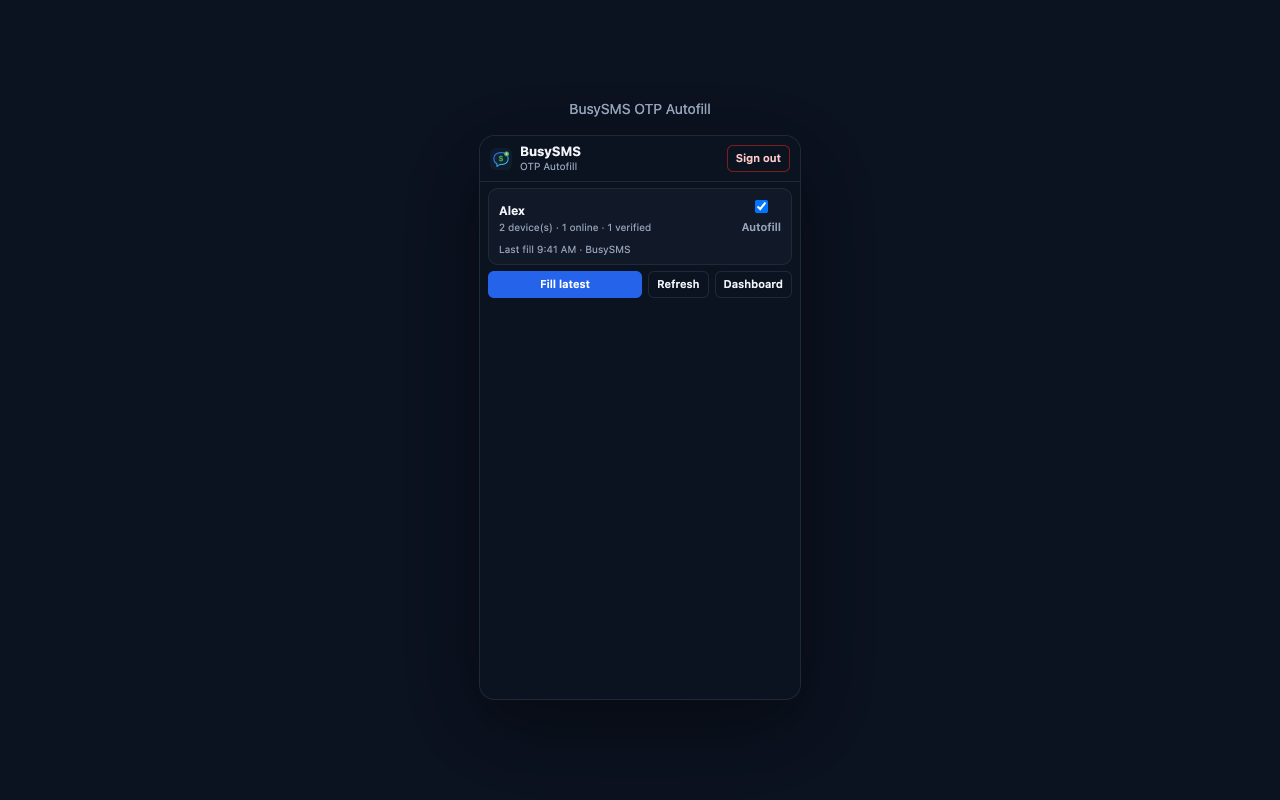
Extension popup
Signed in with Autofill on. Fill the latest code, refresh, or jump to the dashboard.
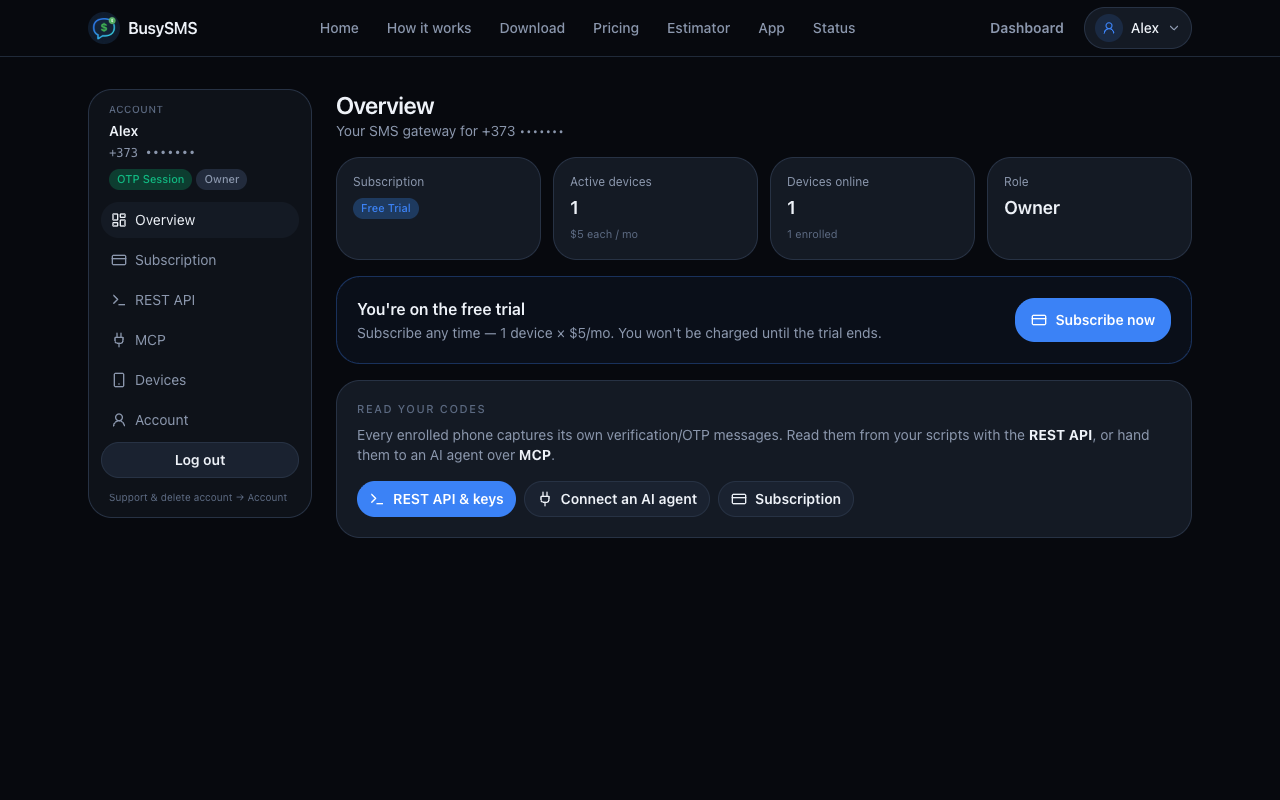
Dashboard login
Already logged into busysms.net? The extension reuses that session — no second login.
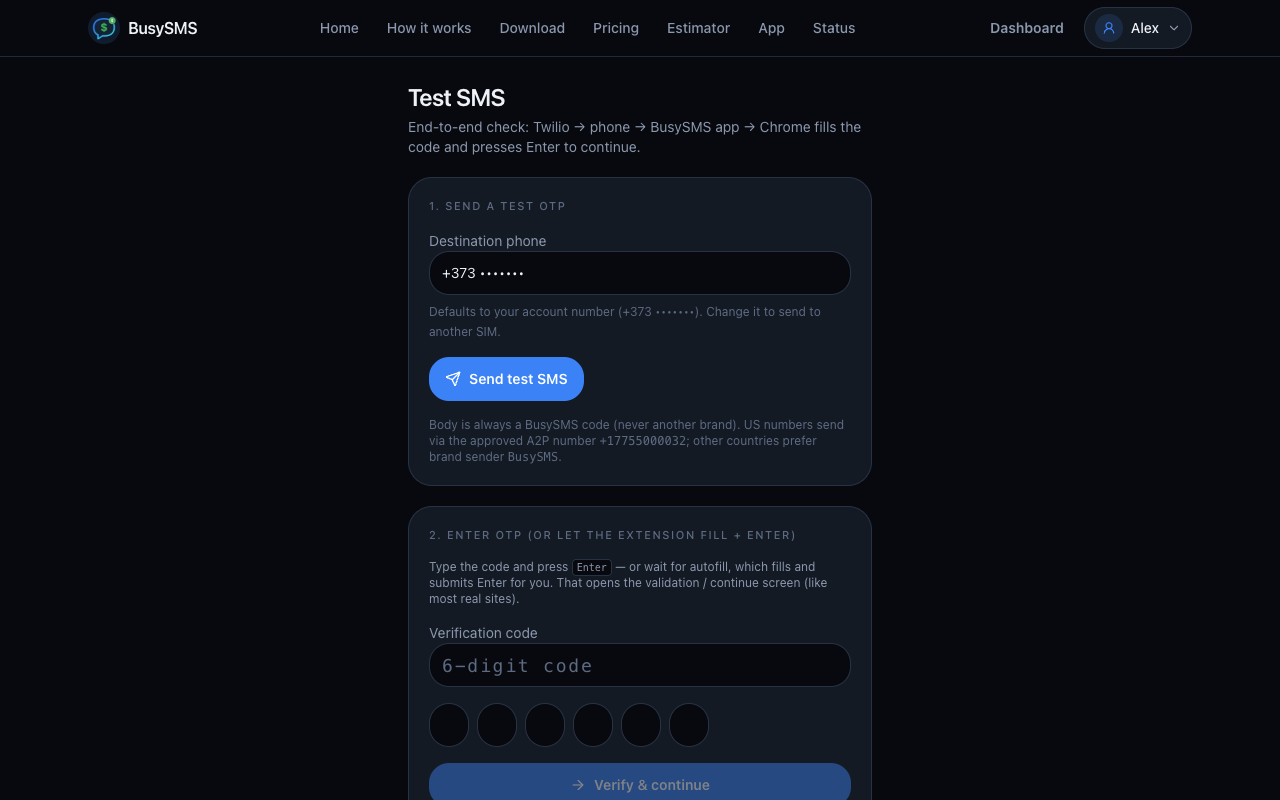
OTP field detected
On a site that texts a code to your BusySMS number, it finds the verification field.
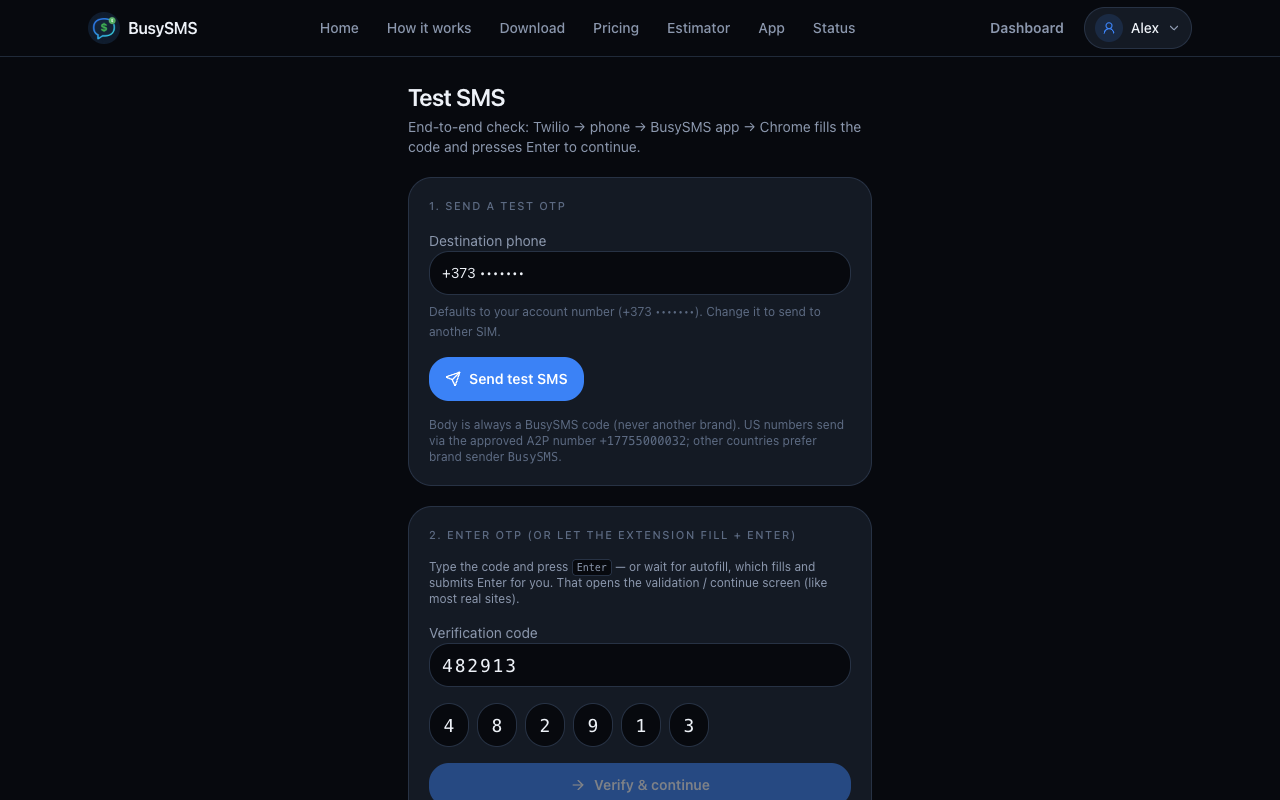
Code filled
It types the code into the field and split digit boxes, then presses Enter.
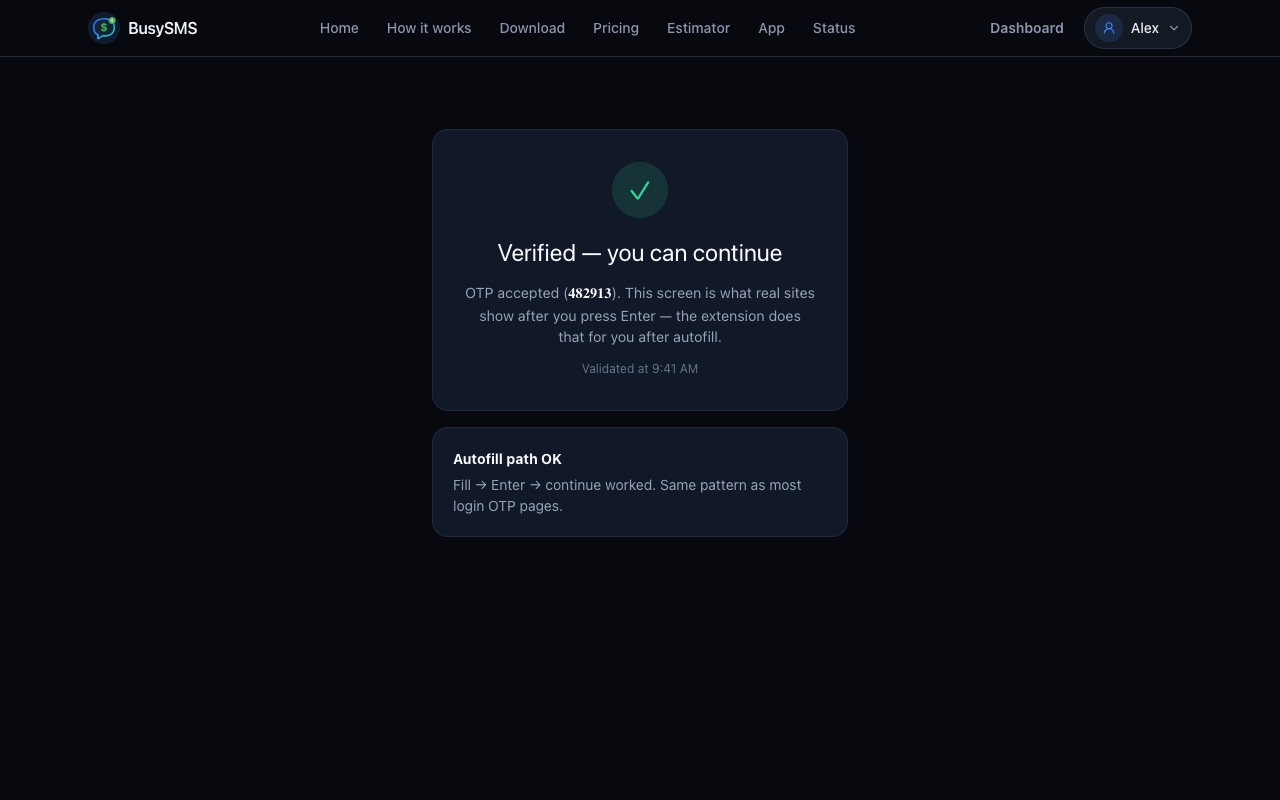
Site continues
Same as pressing Enter yourself — the page moves on after the code is accepted.
Install from the Chrome Web Store
Add BusySMS OTP Autofill from the store, pin it from the puzzle-piece menu, and sign in (or open the dashboard so the session syncs).
Developers can still download the zip and Load unpacked.
What you need
- A BusySMS account (phone OTP, 7-day trial)
- Android app enrolled, SIM number verified, gateway able to capture
- Autofill ON in the extension popup
- An active trial or paid subscription to read codes
You stay in control
- Turn Autofill off anytime in the popup
- Sign-out clears local storage
- Codes are not written to extension logs
- It fills the code and presses Enter — it does not scrape the rest of the page
Sign in
Browser login
Stay signed in on busysms.net. Open the popup → Use my browser login.
Phone or email OTP
Same login as the dashboard, from the extension popup, if you are not already on the website.
API key
Dashboard → REST API → create a key, paste bsk_live_… into the popup.
FAQ
Before the store listing is live
Is it on the Chrome Web Store?
Yes. Use Add from Chrome Web Store on this page. Load unpacked from the zip is only for developers.
Chrome does not fill the code
Check Autofill is ON in the popup, you are signed in, the Android gateway is capturing on a verified SIM, and you have an active trial or subscription. Then reload the website tab.
The SMS arrived while the app was off
Start the Android gateway. BusySMS syncs OTP messages from the last 15 minutes so Chrome can still fill a code that landed while capture was stopped.
Does Chrome read my SMS?
No. The Android app captures verification SMS. The extension only reads codes already stored on your BusySMS account, fills the OTP field, and presses Enter.
Why does it need access to every website?
OTP fields appear on arbitrary sites. The extension scores inputs on the page (autocomplete=one-time-code, labels, digit boxes) and ignores email/password/search fields. It does not scrape the rest of the page.
Android app first
The extension only fills codes the Android gateway already captured. Install BusySMS 1.2.68, enroll a SIM, start the gateway.
Privacy: busysms.net/privacy · Support: support@busysms.net · Codes via GET /api/v1/codes